The $500 Monitor Mistake Almost Everyone Makes
Resolution isn't everything. PPI and viewing distance matter more than you think.
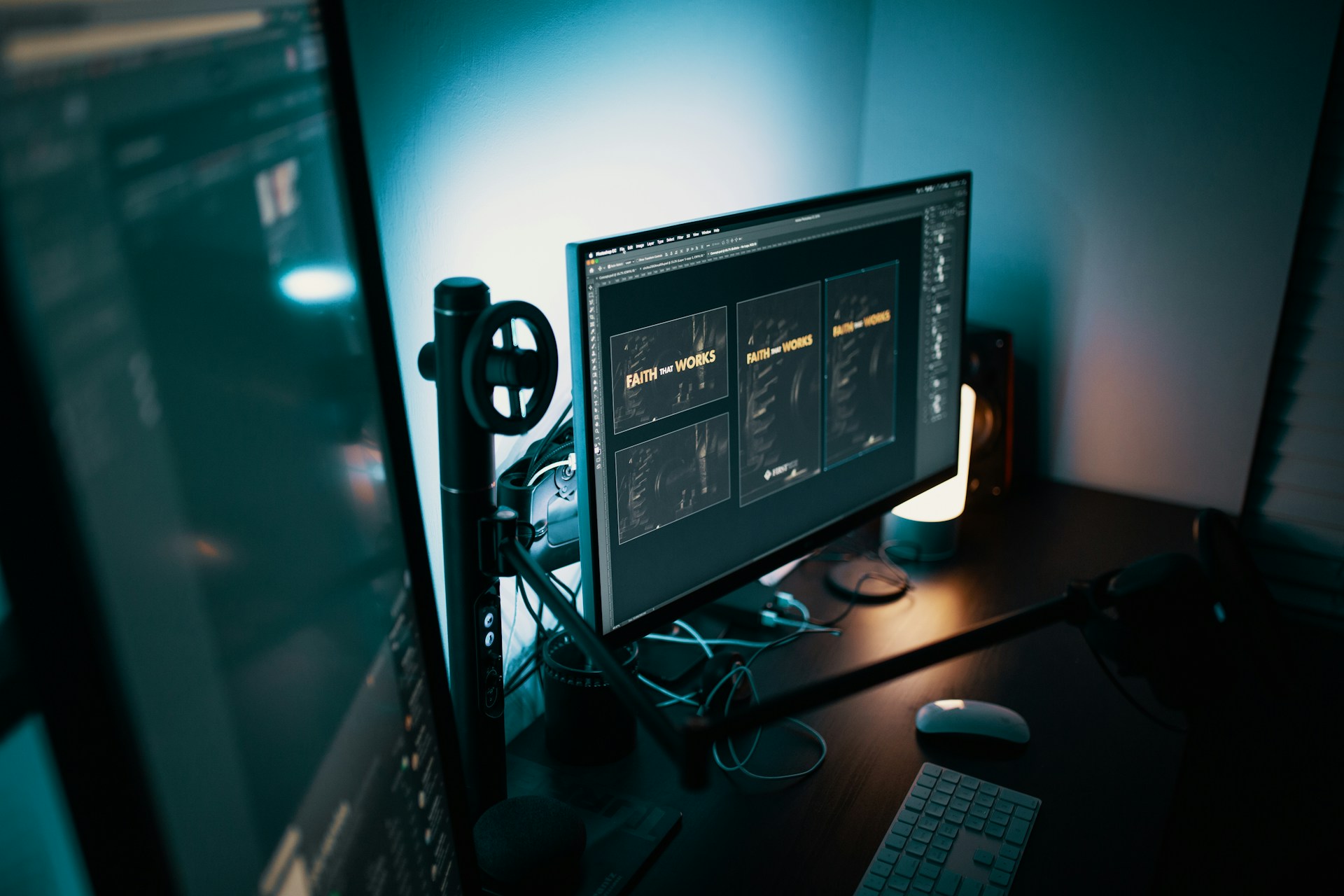
I've watched countless people drop $500+ on a 32-inch 4K monitor, put it on their desk, and accomplish exactly nothing.
The text is too small. They scale it up to 150%. Now they're seeing less content than they would on a cheaper 1440p monitor. The extra pixels? Wasted.
The Resolution Trap
Here's what monitor marketing wants you to believe: more pixels = better experience.
The reality: Pixels per inch (PPI) determines perceived sharpness, and it's a function of both resolution AND screen size.
| Monitor | Resolution | PPI | Verdict |
|---|---|---|---|
| 24" 1080p | 1920×1080 | 92 | Perfect for 1080p |
| 27" 1080p | 1920×1080 | 82 | Getting fuzzy |
| 27" 1440p | 2560×1440 | 109 | Sweet spot |
| 32" 1440p | 2560×1440 | 93 | Fine |
| 27" 4K | 3840×2160 | 163 | Overkill, scaling needed |
| 32" 4K | 3840×2160 | 140 | Probably still scaling |
That 27" 4K monitor has 163 PPI. At arm's length, your eyes literally cannot resolve that detail. You're paying for pixels you can't perceive.
The Scaling Problem
When PPI is too high, everything looks tiny. Text becomes unreadable. Icons are microscopic.
So you scale. Windows at 150%. Mac at "Looks like 1440p."
Here's what happens: You spent $500 on a 4K monitor and you're now seeing the same amount of content as a 1440p monitor. The extra resolution? Used for "smoothness" your eyes can barely detect at typical viewing distances.
Where PPI Actually Matters
Different use cases have different PPI thresholds:
Text/productivity work:
- Minimum comfortable: 90 PPI
- Optimal: 100-120 PPI
- Diminishing returns above: 130 PPI
Photo/video editing:
- Benefits from higher PPI for fine detail
- Sweet spot: 120-150 PPI
- Still diminishing returns above 160 PPI
Gaming:
- 90-110 PPI is plenty
- Higher resolution tanks frame rates
- You'd rather have 144fps at 1440p than 60fps at 4K
Check if your monitor makes sense: Monitor PPI Calculator
The Actual Sweet Spots
Based on PPI math and real-world usability:
For 24-inch monitors:
- 1080p (92 PPI) — perfect, no scaling needed
- 1440p (122 PPI) — unnecessary for most people
For 27-inch monitors:
- 1440p (109 PPI) — the sweet spot
- 4K (163 PPI) — overkill, will need scaling
For 32-inch monitors:
- 1440p (93 PPI) — perfect for this size
- 4K (140 PPI) — justified if you want crispness, minimal scaling
For 38-40 inch ultrawides:
- 1600p/4K — appropriate for the size
- Lower resolutions get fuzzy
The Viewing Distance Factor
PPI matters less as you move further from the screen. At arm's length (~2 feet):
- Below 80 PPI: You'll see pixels
- 80-110 PPI: Comfortable range
- 110-150 PPI: Very sharp
- 150+ PPI: Can't perceive additional sharpness
If you lean back in your chair (3+ feet from the monitor), even 80 PPI looks fine. This is why 1080p on a living room TV at 10 feet is totally acceptable.
The Money Math
Let's compare realistic options for a 27" monitor:
| Option | Resolution | PPI | Price | Usable Content |
|---|---|---|---|---|
| Budget 1440p | 2560×1440 | 109 | $250 | Full 1440p |
| Good 1440p | 2560×1440 | 109 | $400 | Full 1440p |
| Budget 4K | 3840×2160 | 163 | $350 | Scaled to ~1440p |
| Good 4K | 3840×2160 | 163 | $600 | Scaled to ~1440p |
That $600 "good 4K" monitor gives you the same effective workspace as the $400 "good 1440p" — but with slightly smoother fonts you may not notice.
When 4K Actually Makes Sense
You should consider 4K monitors if:
- Professional photo/video editing — color accuracy monitors are already expensive, might as well get 4K
- CAD/3D modeling — fine detail work benefits
- 32+ inch monitors — PPI drops to reasonable levels
- Reading lots of fine print — font rendering is noticeably smoother
- macOS users — HiDPI scaling works better on Mac
You probably don't need 4K if:
- Gaming focus — 1440p at high refresh is better value
- General productivity — 1440p at 100% scaling is more usable
- Budget-conscious — the money is better spent on panel quality
The Real $500 Monitor Move
Instead of a mediocre 4K monitor, that $500 gets you:
- A premium 27" 1440p 165Hz IPS panel
- Or a quality 32" 1440p monitor with great color
- Or two decent 27" 1080p/1440p monitors for multi-tasking
More screen real estate through multiple monitors often beats higher resolution on a single panel.
Calculate the optimal setup for your desk: Monitor PPI Calculator
Try the Calculator
Get your personalized estimate with our free Monitor PPI Calculator.