The USB-C Charger Lie: Why Your 'Fast Charger' Isn't Fast
Not all USB-C chargers are equal. Wattage, protocols, and compatibility explained.
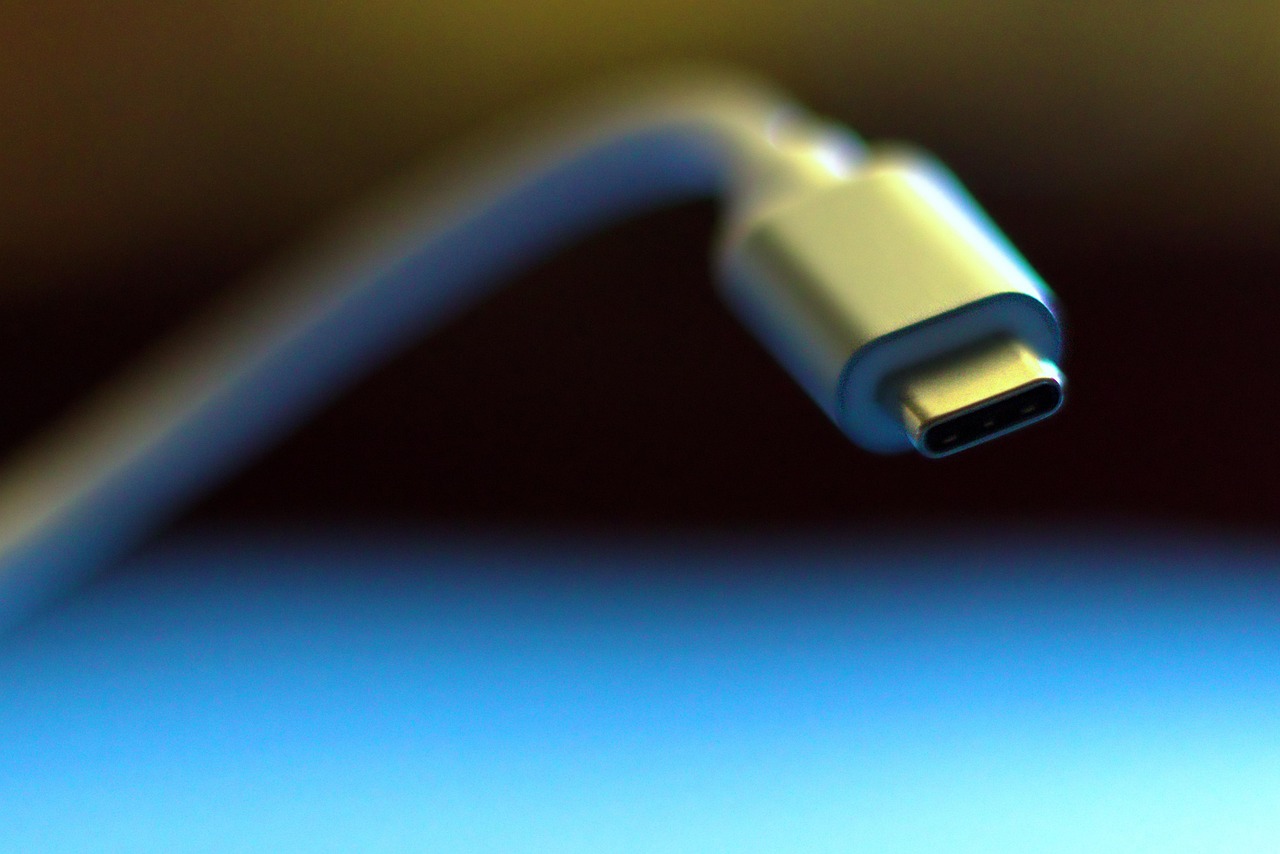
You bought a "fast charger." The box said USB-C. The specs said 65W. You plug in your laptop and... it charges at 18W.
Congratulations, you just learned that USB-C is a physical connector, not a charging standard.
The USB-C Deception
USB-C is a cable shape. That's it. Just because two devices have USB-C ports doesn't mean they'll charge each other properly.
The actual charging speed depends on:
- Power delivery protocol (PD, QC, PPS, proprietary)
- Wattage matching (charger output vs device input)
- Cable capability (not all USB-C cables carry power equally)
- Negotiation success (devices agreeing on a power level)
Get any of these wrong, and your "65W charger" delivers 15W.
Protocols: The Hidden Compatibility Layer
Here are the main charging protocols:
| Protocol | Typical Power | Common Devices |
|---|---|---|
| USB-PD (Power Delivery) | 15-240W | Laptops, tablets, newer phones |
| QC (Quick Charge) | 18-27W | Older Android phones |
| PPS (Programmable Power Supply) | Variable | Samsung phones, newer Android |
| Apple Fast Charge | 20-27W | iPhones (via PD) |
| Proprietary (Warp, Dash, etc.) | 30-80W+ | OnePlus, Oppo, specific brands |
A charger supporting only Quick Charge won't fast-charge your USB-PD laptop. Your laptop might accept power, but at the baseline USB rate of 5V/3A (15W).
The Wattage Mismatch Problem
Scenario: You have a MacBook Air (needs 30W minimum for fast charging) and a 20W charger.
What happens: The MacBook charges... slowly. Maybe at 18-20W. It works, but you're not getting "fast charging."
Flip it around: 65W charger, 20W phone. The phone takes only what it needs — no danger, but you overpaid for a charger.
The rule: Charger wattage should meet or exceed device needs. More is fine; less is slow.
Cables Matter More Than You Think
USB-C cables have ratings too:
| Cable Type | Max Power |
|---|---|
| USB 2.0 cable | 15W |
| Basic USB 3.x cable | 60W |
| "E-marked" cable | 100W |
| USB4/Thunderbolt cable | 240W |
That cheap cable from the gas station? Probably USB 2.0 internally. It won't carry 65W even if your charger can output it.
The symptom: Charger is rated 65W, device needs 45W, but you're only getting 15W. The cable is the bottleneck.
How Devices Negotiate Power
When you plug in, this happens:
- Device and charger exchange capability info
- They agree on a voltage/amperage combination
- Charging begins at that negotiated rate
If negotiation fails (incompatible protocols), most devices fall back to "dumb" 5V/1A (5W) or 5V/3A (15W) charging.
This is why your phone charges slowly from a random charger but fast from the one in the box.
Check charger compatibility: USB-C Charger Calculator
Real-World Charging Speeds
Here's what actually happens with different combinations:
| Device | Included Charger | Generic 30W PD | Generic 65W PD |
|---|---|---|---|
| iPhone 15 | 20W | 20W | 20W |
| Samsung S24 | 25W (PPS) | 18W (PD) | 18W (PD) |
| MacBook Air | 30W | 30W | 30W |
| MacBook Pro 14" | 67W | 30W | 65W |
| iPad Pro | 20W | 20W | 20W |
Notice the Samsung S24? It needs PPS for full speed. A generic PD charger only delivers basic fast charge, not the phone's maximum.
The GaN Revolution (Sort Of)
GaN (gallium nitride) chargers are smaller and cooler-running than traditional silicon chargers. But GaN is just about size/heat — it doesn't magically improve compatibility.
A 65W GaN charger that only supports PD won't fast-charge your OnePlus faster than a 65W silicon PD charger.
GaN matters for travel and desk clutter. For charging speed, protocol support matters more.
One Charger to Rule Them All?
The dream: one charger for phone, tablet, laptop.
The reality: You need a charger that supports:
- USB-PD 3.0 minimum
- PPS (if you have Samsung/Pixel)
- Enough wattage for your hungriest device
A good multi-protocol 65-100W charger can handle most devices. But check the specs — many "65W" chargers split power across ports, so using two devices means each gets less.
What to Look For
When buying a USB-C charger:
- Check your device's required wattage (not just what comes in the box)
- Match protocols — PD for most, PPS for Samsung, proprietary for specific brands
- Buy from reputable brands — Anker, Ugreen, Baseus, official accessories
- Use the right cable — e-marked for over 60W, check the rating
- Single-port is simpler — multi-port splits wattage in confusing ways
The Quick Compatibility Check
Before buying, verify:
- Charger wattage ≥ device requirement
- Protocol match (PD, PPS, QC, etc.)
- Cable rated for the wattage
- Single-port output matches total rating (or check split specs)
Skip any of these, and you'll wonder why your fast charger isn't fast.
Find the right charger for your devices: USB-C Charger Calculator
Try the Calculator
Get your personalized estimate with our free USB-C Charger Calculator.