Why Your WiFi Sucks (And It's Probably Not Your Router)
Before buying a new router, check if the problem is actually your internet plan.
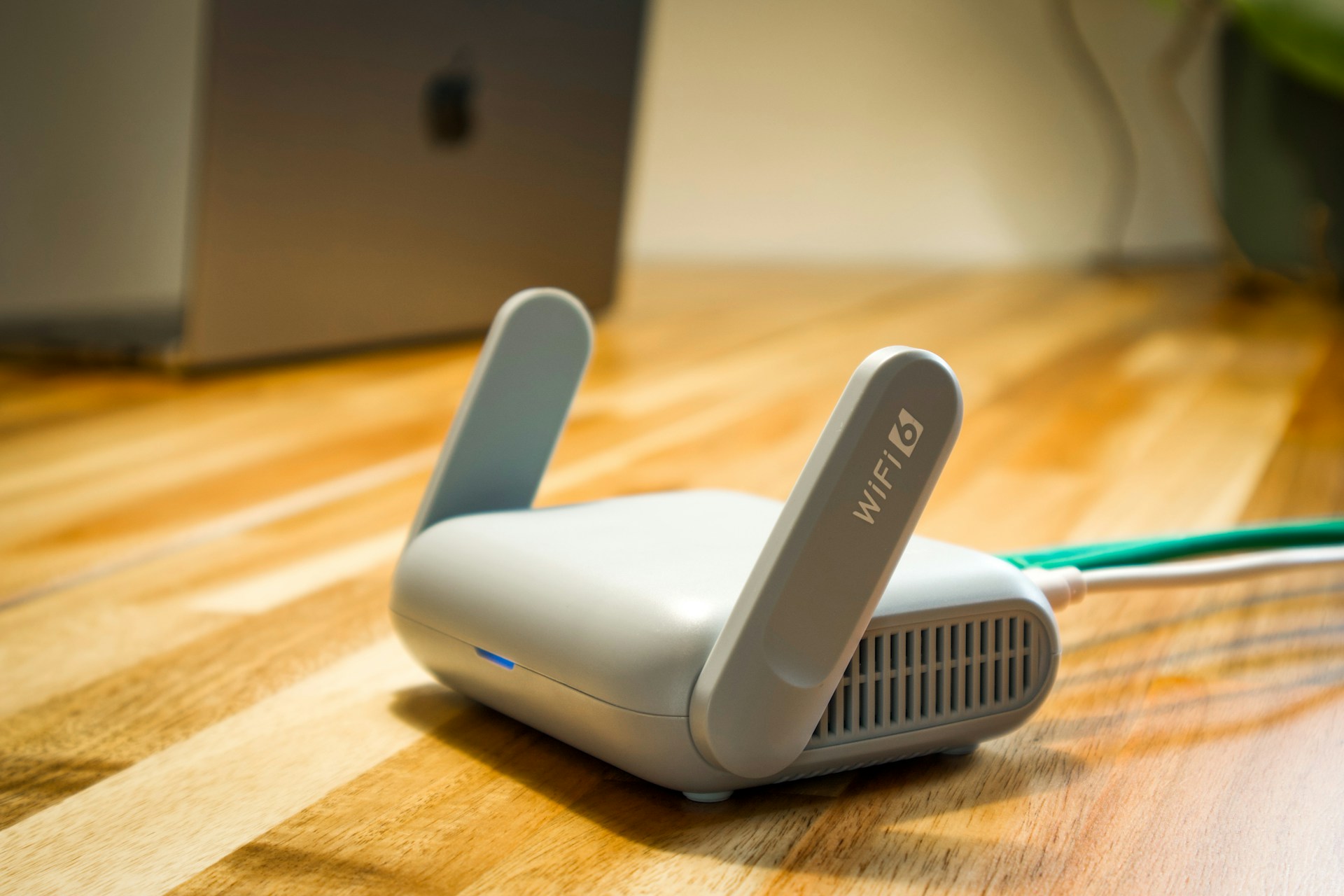
Your WiFi is slow. You're ready to drop $300 on a fancy new mesh router. But what if I told you the problem might not be your router at all?
Before buying new equipment, let's diagnose what's actually wrong.
Step 1: Is It Your WiFi or Your Internet?
First, separate the variables:
- Connect a device directly to your modem via ethernet
- Run a speed test (speedtest.net, fast.com)
- Compare to your plan's advertised speed
If wired speed matches your plan: Your internet is fine. The problem is WiFi.
If wired speed is low too: The problem is your internet connection. New router won't help.
Many people buy mesh systems when their actual problem is ISP throttling, outdated modem, or insufficient plan.
Step 2: The "Good Enough" Speed Question
What speed do you need at each location?
| Location | Typical Use | Needed Speed |
|---|---|---|
| Living room TV | 4K streaming | 25 Mbps |
| Home office | Video calls + browsing | 30 Mbps |
| Kids' room | Gaming | 25 Mbps |
| Kitchen | Music, smart speaker | 5 Mbps |
| Backyard | Phone browsing | 10 Mbps |
If you're getting 30 Mbps in the bedroom and only streaming 1080p video, that's fine. Not every room needs 500 Mbps.
Find out what speed you actually need: Internet Speed Calculator
The Real WiFi Killers
Distance and Walls
WiFi signal degrades with:
- Distance: Signal strength drops exponentially
- Walls: Each wall can cut signal by 20-40%
- Floors: Especially problematic for multi-story homes
- Materials: Concrete, metal, brick block more than drywall
A router in the basement corner will struggle to reach the upstairs bedroom — physics, not equipment quality.
Interference
Your neighbors' WiFi competes with yours. In apartments, you might see 20+ networks on the same channels.
2.4 GHz band:
- Longer range, penetrates walls better
- Only 3 non-overlapping channels (1, 6, 11)
- Very crowded in dense housing
5 GHz band:
- Faster speeds
- More channels, less congestion
- Shorter range, blocked by walls more
6 GHz band (WiFi 6E):
- Even faster, virtually no congestion
- Very short range
- Requires compatible devices
Wrong Channel Selection
Most routers default to "auto" channel selection. Sometimes auto picks poorly.
Try:
- Download a WiFi analyzer app
- Check which channels are congested
- Manually set your router to the least-used channel
This free fix sometimes doubles your speed.
Old Equipment
Your router might be fine, but your devices might not be.
| Device Age | Likely WiFi Standard | Max Speed |
|---|---|---|
| 2024 | WiFi 6E/7 | 2-5 Gbps |
| 2020-2023 | WiFi 6 | 600-1200 Mbps |
| 2017-2019 | WiFi 5 (ac) | 300-800 Mbps |
| 2014-2016 | WiFi 5 (ac) | 200-500 Mbps |
| Before 2014 | WiFi 4 (n) | 50-150 Mbps |
That 2015 laptop? It maxes out at 300 Mbps even on a brand new router. The bottleneck is the device, not the WiFi.
Free Fixes to Try First
1. Move Your Router
The ideal location:
- Central to your home
- Elevated (on shelf, not floor)
- Away from metal objects and electronics
- Not in a closet or behind furniture
Moving from a corner to a central location can dramatically improve coverage.
2. Update Router Firmware
Manufacturers release updates that improve stability and performance. Check your router's admin page.
3. Reduce Connected Devices
Every device on your network shares bandwidth and processing power. Disconnect devices you're not using:
- Smart home devices
- Old phones still connected
- Guest devices
4. Use 5 GHz When Close
If you're in the same room as the router, force your device to use 5 GHz. It's faster and less congested.
5. Check for Bandwidth Hogs
Someone streaming 4K, another downloading game updates, and you're wondering why Zoom is choppy.
Check your router's connected devices view. Identify who's using what.
When You Actually Need New Equipment
Buy a mesh system if:
- Large home (2,500+ sq ft)
- Multiple floors with poor coverage
- Dead zones that router repositioning can't fix
- You've tried all the free fixes
Buy a better single router if:
- Small-medium home with good layout
- Current router is 5+ years old
- You need features (VPN, QoS, better parental controls)
Upgrade your modem if:
- ISP provided it (they're often outdated)
- It doesn't support your plan's full speed
- It's more than 4-5 years old
The Honest Reality
Most WiFi problems come from:
- Poor router placement (free fix)
- Channel congestion (free fix)
- Too many devices (free fix)
- Old device WiFi radios (expensive fix)
- Actually needing mesh (expensive fix)
Buying new equipment is the last resort, not the first.
Before spending $300-500 on mesh, spend $0 on optimizing what you have. You might find that's enough.
Calculate if you have enough bandwidth: Internet Speed Calculator
Try the Calculator
Get your personalized estimate with our free Internet Speed Calculator.