Your Laptop Battery Is Dying Faster Than You Think (Here's the Data)
Battery degradation is invisible until it's too late. Learn to monitor it before disaster.
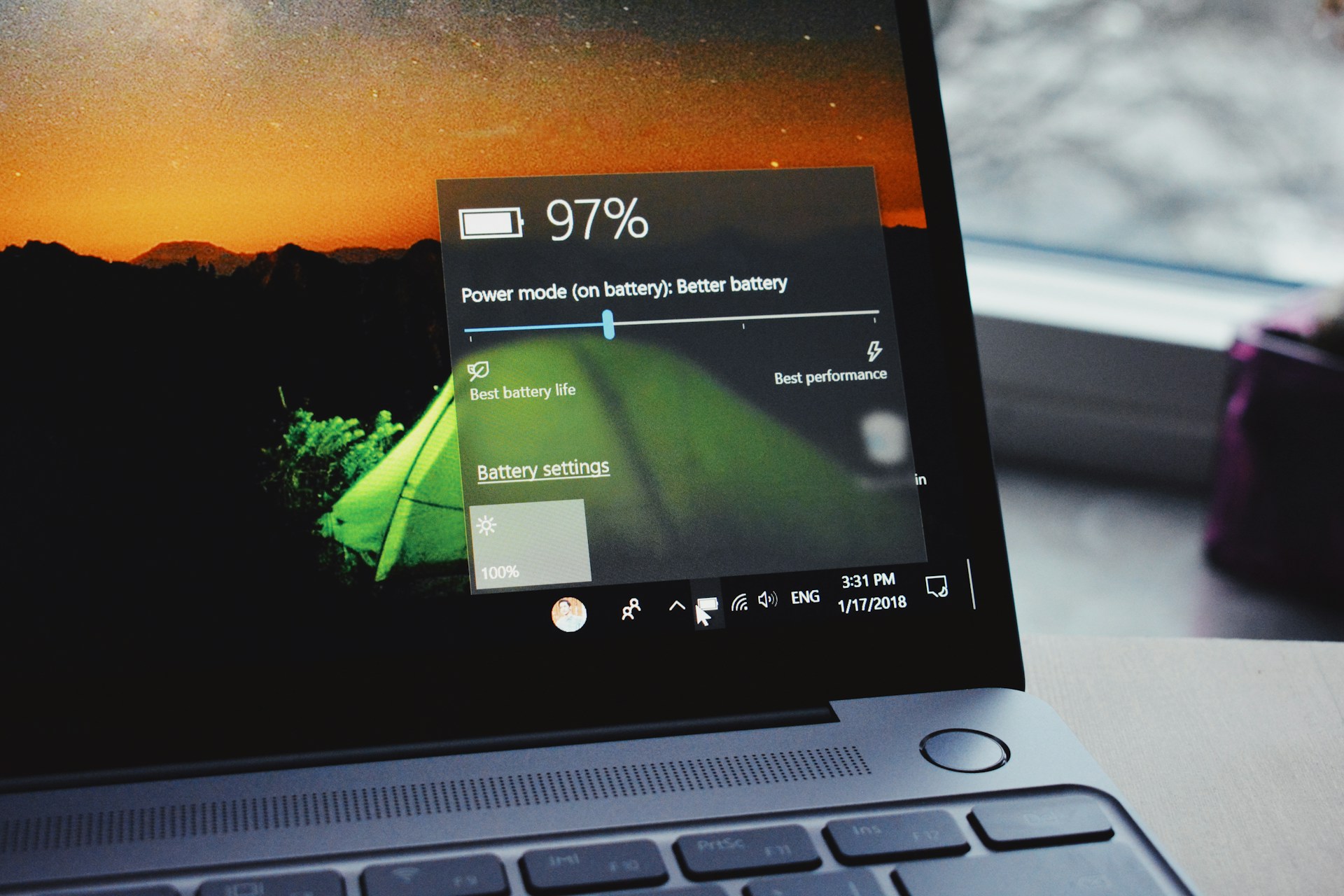
Your laptop used to last 8 hours. Now it's dead by lunchtime. You think it's normal aging. But if you'd been tracking, you'd have seen this coming months ago.
Battery health degrades invisibly. By the time you notice, you've already lost 30-40% of your capacity.
The Degradation You Can't See
Lithium-ion batteries lose capacity through:
- Charge cycles — every full charge cycle degrades slightly
- Calendar aging — batteries degrade just sitting there
- Heat exposure — temperature is the silent killer
- Deep discharges — draining to 0% accelerates wear
Most laptops ship with batteries rated for 300-500 cycles before hitting 80% capacity. After that, degradation accelerates.
What the Numbers Actually Mean
When Apple says your MacBook has "1000 cycle" battery life, they mean 1000 cycles to reach 80% capacity. After 1000 cycles, expect:
- 80% of original capacity — your 10-hour battery is now 8 hours
- Faster degradation — the next 500 cycles hit harder
- Potential swelling — aged batteries can physically expand
But nobody waits 1000 cycles. Most people notice problems around 300-500 cycles, when capacity hits 85-90%.
The Hidden Heat Damage
Here's what ruins laptop batteries faster than cycles: heat.
| Temperature | Effect on Battery Life |
|---|---|
| 0-25°C (32-77°F) | Normal degradation |
| 25-35°C (77-95°F) | 10-20% faster degradation |
| 35-45°C (95-113°F) | 30-50% faster degradation |
| 45°C+ (113°F+) | Significant permanent damage |
Gaming laptops running hot? Their batteries degrade far faster than ultrabooks that stay cool. A gaming laptop kept plugged in at 45°C might lose 20% capacity in a year.
Check your battery's health: Battery Health Calculator
Charging Habits That Kill Batteries
Constant 100% charge: Keeping your laptop plugged in at 100% stresses the battery. Some manufacturers now include features to stop charging at 80%.
Deep discharges: Regularly draining to 0% before charging causes extra wear. Lithium-ion prefers partial cycles.
Fast charging all the time: Fast charging generates heat. Heat degrades batteries. Using slow charging when you're not in a hurry extends lifespan.
The optimal pattern: Keep between 20-80% when possible. Charge to 100% only when you need the full runtime.
How to Check Your Battery Health
On Windows:
- Open Command Prompt as admin
- Run:
powercfg /batteryreport - Open the HTML file it generates
- Check "Design Capacity" vs "Full Charge Capacity"
On Mac:
- Hold Option, click Apple menu
- Click "System Information"
- Select "Power"
- Check "Cycle Count" and "Condition"
What to look for:
- Full Charge Capacity below 80% of Design = replacement soon
- Cycle count above manufacturer rating = degradation accelerating
The Warning Signs
Battery degradation shows subtle symptoms before failure:
- Faster discharge — obviously
- Inaccurate percentage — jumping from 30% to dead
- Shutdown at low battery — dies at 15% instead of 5%
- Slow charging — degraded batteries resist charging
- Physical swelling — trackpad becomes uneven, case bulges
If your trackpad starts clicking differently, check the battery immediately. Swollen batteries are fire hazards.
Real-World Degradation Timeline
Based on typical usage patterns:
| Usage Pattern | 80% Capacity After |
|---|---|
| Light use (unplugged often, cool temps) | 3-4 years |
| Normal use (mixed plugged/unplugged) | 2-3 years |
| Heavy use (always plugged, gaming) | 1-2 years |
| Worst case (gaming, hot, 100% charge) | 6-12 months |
That expensive gaming laptop with the "poor battery life" isn't just poor — it's actively degrading faster than an ultrabook.
Extending Battery Life
Software settings:
- Enable battery charge limits (80% max) if available
- Use power saver mode when possible
- Reduce screen brightness
Physical habits:
- Don't use the laptop on soft surfaces (blocks vents)
- Avoid direct sunlight
- Use a cooling pad for gaming sessions
- Unplug after reaching 80% occasionally
Storage:
- Store at 50% charge for long periods
- Never store fully charged or fully drained
- Store in cool, dry places
When to Replace
Replace your battery when:
- Capacity drops below 70-75%
- Runtime is less than 50% of original
- Battery swells at all (stop using immediately)
- Percentage readings become unreliable
Third-party batteries are cheaper but risky. For safety-critical components, OEM or high-quality aftermarket (iFixit, reputable brands) is worth the premium.
The Money Math
A new OEM battery: $80-150
Replacement labor (if not DIY): $50-100
A new laptop: $800-2000+
Replacing batteries at 2-3 years can extend laptop life to 5-6 years. That's significant cost savings versus buying new.
Monitor your battery before it's too late: Battery Health Calculator
Try the Calculator
Get your personalized estimate with our free Battery Health Calculator.