The Hidden Reason Your Phone Battery Dies by 3pm
It's not just your apps. Battery health degradation is the silent killer.
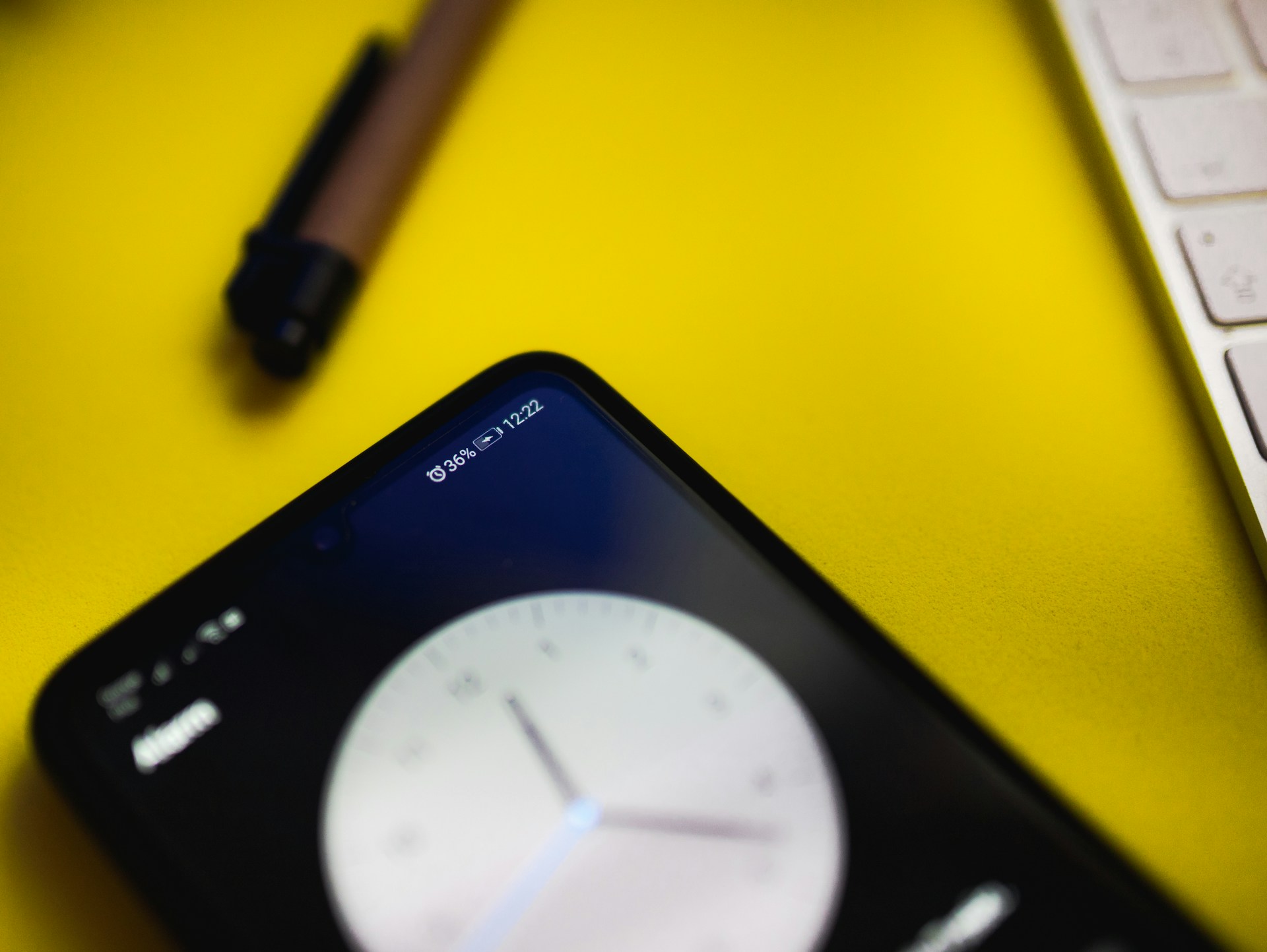
Your phone dies every afternoon. You've closed background apps. You've lowered brightness. You've enabled battery saver. Still dead by 3pm.
Here's what nobody tells you: your battery might have lost 20-30% of its capacity, and you didn't notice.
The Invisible Degradation
Phone batteries degrade with every charge cycle. After 500 cycles (roughly 18-24 months of normal use), most batteries have lost 15-20% of their original capacity.
What this means in practice:
- Your "100%" is really 80-85% of original
- Your "all-day battery" is now a "until-3pm battery"
- Degradation accelerates as the battery ages
How to Check Your Battery Health
iPhone:
Settings → Battery → Battery Health & Charging
Look for "Maximum Capacity." Below 85%? That's your problem.
Android (Samsung):
Settings → Battery → Battery Health
Android (Pixel):
Settings → Battery → Battery Usage → Battery Health
Android (others):
Try AccuBattery app for estimates, or dial *#*#4636#*#* (works on some phones)
The Numbers That Matter
| Maximum Capacity | What It Means |
|---|---|
| 95-100% | Healthy, like new |
| 85-94% | Normal wear, minor impact |
| 80-84% | Noticeable degradation, consider replacement |
| 70-79% | Significant impact, replacement recommended |
| Below 70% | Severely degraded, replace ASAP |
Apple considers batteries with less than 80% capacity to be "degraded" and offers replacement. Android manufacturers are less consistent but similar thresholds apply.
Check your phone's battery health: Battery Health Calculator
Why Batteries Degrade So Fast
Modern phone usage is brutal on batteries:
Fast charging: Convenient, but generates heat. Heat kills batteries. Every fast charge costs a bit of long-term capacity.
Heavy usage: Screen-on time, gaming, video streaming — all generate heat and drain cycles faster.
Keeping at 100%: Leaving your phone on the charger overnight stresses the battery. Lithium-ion batteries don't like being full.
Wireless charging: Less efficient than wired, generates more heat, accelerates degradation.
Environmental heat: Summer cars, sunny windowsills, pockets next to your body — all add heat stress.
The 20-80 Rule
Battery researchers recommend keeping phones between 20-80% charge when possible.
Why 20%? Deep discharges stress battery chemistry. Draining to 0% regularly accelerates wear.
Why 80%? High voltage at full charge stresses cells. Staying below 80% reduces this stress.
Practical reality: This is hard to follow. But even occasional adherence helps:
- Unplug at 80% when you can
- Plug in before hitting 20%
- Don't worry about hitting 100% occasionally — it's not poison, just not ideal
Fast Charging: The Trade-off
Fast charging is convenient but costly:
| Charging Speed | Heat Generated | Long-term Impact |
|---|---|---|
| 5W (slow) | Low | Minimal |
| 18-20W (standard fast) | Medium | Some degradation |
| 45-65W (super fast) | High | Faster degradation |
| 100W+ (flagship fast) | Very high | Significant impact |
Some phones now include battery protection features that slow charging to reduce heat. Enable these if available.
Temperature: The Real Enemy
Battery degradation accelerates exponentially with heat:
| Condition | Battery Life Impact |
|---|---|
| Ideal (20-25°C / 68-77°F) | Normal |
| Warm (30-35°C / 86-95°F) | 10-15% faster degradation |
| Hot (35-45°C / 95-113°F) | 30-50% faster degradation |
| Very hot (45°C+ / 113°F+) | Severe damage possible |
Gaming while charging on a hot day? You might as well be actively destroying your battery.
Practical Tips That Actually Help
Reduce heat exposure:
- Remove case while charging
- Don't use phone while fast charging
- Avoid leaving in hot cars
- Use slow charging overnight
Optimize charging habits:
- Use scheduled charging features (charge to 80% then pause)
- Unplug when you remember
- Avoid wireless charging for daily use
Extend what you have:
- Lower screen brightness
- Use Wi-Fi over cellular when possible
- Enable dark mode (saves battery on OLED screens)
- Close apps you're actually not using
When to Replace
If your battery health is below 80%, replacement makes sense. Costs:
- iPhone battery replacement: $89-99 (Apple) or $50-70 (third party)
- Samsung battery replacement: $70-100 (official) or $40-60 (third party)
- Other Android: Varies, often $40-80
Given that a new phone costs $400-1500, a $50-100 battery replacement that extends your phone's life by 2 years is excellent value.
The Upgrade Trap
Phone manufacturers don't highlight battery degradation because they want you to buy a new phone.
When your phone feels slow and dies early, the first instinct is "time to upgrade." But often the issue is:
- Battery at 75% capacity (fixable: $80)
- Storage full, slowing the system (fixable: free)
- Old software needs update (fixable: free)
Check these before assuming you need a new $1,000 phone.
Check your phone's real battery health: Battery Health Calculator
Try the Calculator
Get your personalized estimate with our free Battery Health Calculator.